

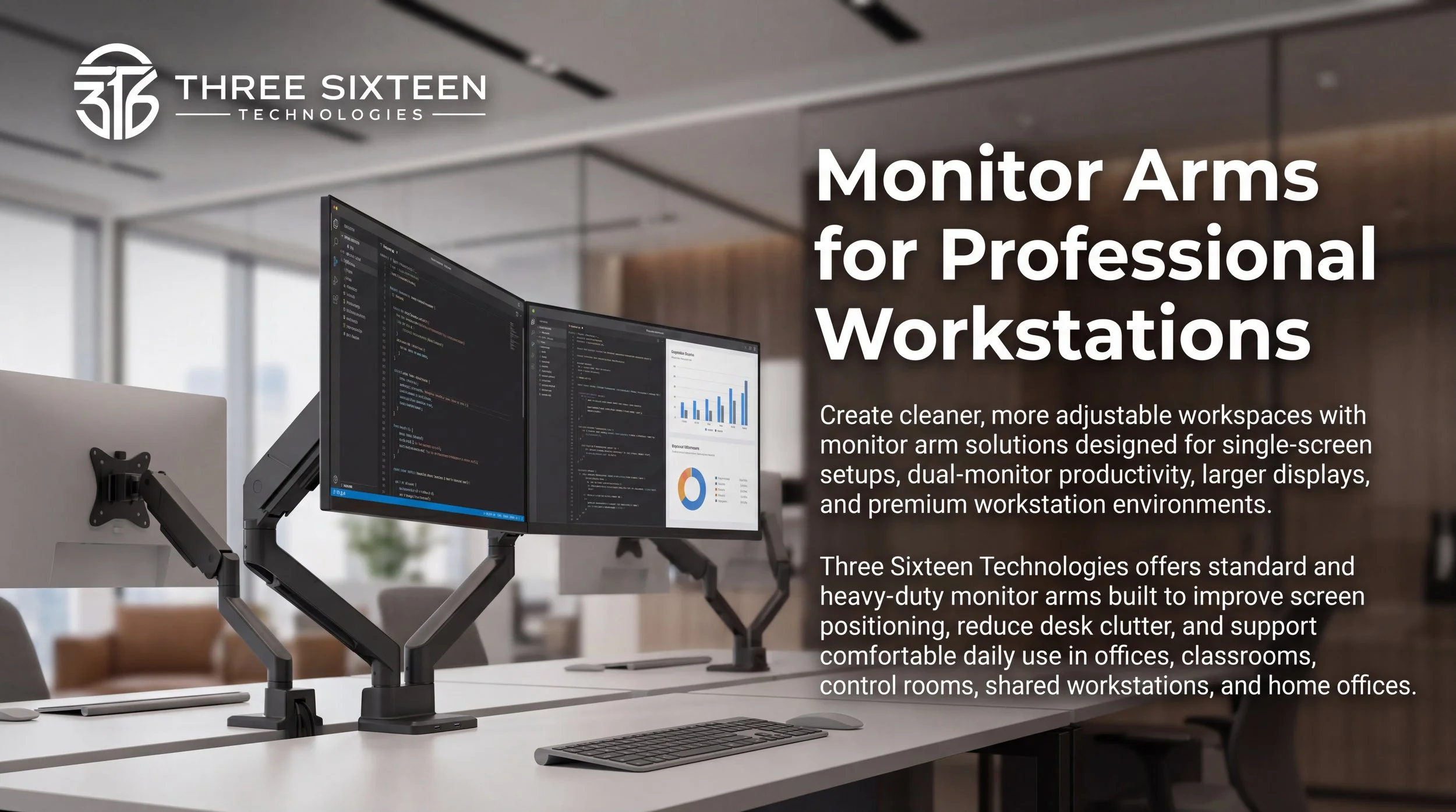
Monitor Arms
Create a cleaner, more comfortable, and more productive workspace with monitor arms designed for offices, classrooms, control rooms, reception areas, shared desks, and home offices. Three Sixteen Technologies offers single and dual monitor arm options for everyday setups, larger displays, and premium workstation environments.
Whether you need a simple single-screen arm, a dual-monitor setup, or a heavy-duty gas spring solution with USB connectivity, our monitor arm lineup helps improve screen positioning, reduce desk clutter, and support a more organized workspace.
Choose the Right Monitor Arm for Your Workspace
Single Monitor Steel Articulating Arm for 17”–32” Screens

SKU: TST-MA-SGL-1732
A clean and dependable single monitor arm designed for everyday workstation use. This model supports one 17”–32” monitor and offers tilt, swivel, rotation, cable management, and clamp or grommet installation.
Best For:
Offices, classrooms, reception desks, shared workstations, and home offices that need a simple adjustable monitor setup.
Key Highlights:
Supports one 17”–32” monitor
Weight capacity up to 19.8 lbs
Tilt, swivel, and screen rotation
Clamp or grommet installation
Built-in cable management
Matte black finish
Dual Monitor Steel Articulating Arm for 17”–32” Screens

SKU: TST-MA-DBL-1732
A practical dual monitor arm built for side-by-side screen setups. This model supports two 17”–32” monitors and helps create a more productive workstation while freeing up desk space.
Best For:
Administrative offices, classrooms, customer service desks, finance teams, shared workstations, and home offices that need two screens for daily productivity.
Key Highlights:
Supports two 17”–32” monitors
Weight capacity up to 19.8 lbs per screen
Side-by-side dual-screen support
Fine-tuning height adjustment
Clamp or grommet installation
Built-in cable management
LiftMax Heavy-Duty Single Monitor Arm with USB-C for 17”–45” Screens

SKU: TST-MA-HD-SGL-1745UC
A premium heavy-duty single monitor arm designed for larger displays, smoother movement, and modern workstation connectivity. This gas spring model supports one 17”–45” monitor and includes USB-A and USB-C ports built into the base.
Best For:
Executive offices, design studios, engineering workstations, control rooms, large-monitor setups, and premium home offices.
Key Highlights:
Supports one 17”–45” monitor
Weight capacity up to 35.2 lbs
Supports compatible curved monitors
Smooth gas spring adjustment
USB-A 3.0 and USB-C ports
Topside installation
Built-in cable management
Matte black
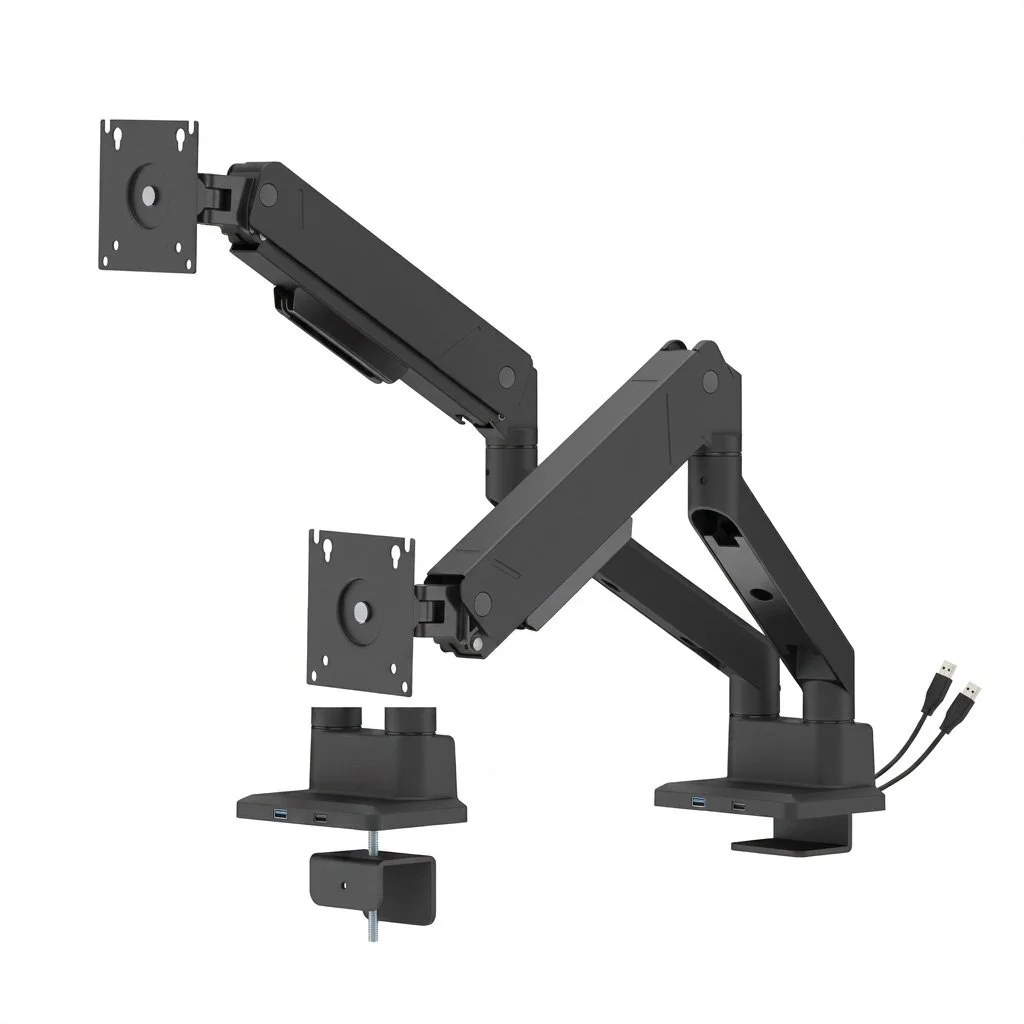
LiftMax Heavy-Duty Dual Monitor Arm with USB-C for 17”–35” Screens
SKU: TST-MA-HD-DBL-1735UC
A premium dual-screen gas spring monitor arm built for larger displays, smooth independent adjustment, USB connectivity, and a clean desk-mounted design. This model supports two 17”–35” monitors and is ideal for professional dual-screen workstations.
Best For:
Executive desks, design spaces, control rooms, finance desks, engineering workstations, operations areas, and high-performance home offices.
Key Highlights:
Supports two 17”–35” monitors
Weight capacity up to 35.2 lbs per screen
Supports compatible curved monitors
Smooth gas spring movement
USB-A 3.0 and USB-C ports
Topside installation
Rotation stop
Built-in cable management
Matte black

Built for Cleaner, More Productive Workspaces
Monitor arms help improve workstation organization by lifting screens off the desk and allowing users to position displays at a more comfortable viewing height. With options for single monitors, dual monitors, larger screens, curved displays, and USB-connected workstations, this lineup provides flexible solutions for different workspace needs.
From everyday office desks to premium professional setups, Three Sixteen Technologies monitor arms are designed to support cleaner layouts, better screen positioning, and a more efficient work environment.
Find the Best Fit
Choose a Single Monitor Arm If You Need:
A cleaner desk setup for one display
Better screen positioning for daily work
A simple solution for offices, classrooms, or home offices
A cost-effective adjustable monitor mount
Choose a Dual Monitor Arm If You Need:
Two screens side by side
More desk space for keyboards, documents, or accessories
Better organization for multitasking
A cleaner setup for shared or professional workstations
Choose a LiftMax Heavy-Duty Arm If You Need:
Support for larger or heavier displays
Smooth gas spring adjustment
USB-A and USB-C desktop connectivity
A more premium workstation appearance
Stronger support for professional environments
Ideal for Everyday Professional and Educational Use
Offices and Administrative Workstations
Support daily productivity with adjustable monitor arms that help keep desks cleaner and screens easier to position.
Create flexible screen setups for teachers, instructors, staff, and shared learning spaces.
Classrooms and Training Rooms
Design and Creative Studios
Support larger displays used for layouts, editing, production work, and visual review.
Control Rooms and Operations Areas
Provide stable monitor placement for dashboards, monitoring systems, communication tools, and live information.
Why Choose Three Sixteen Technologies Monitor Arms?
Multiple Options
Choose from single, dual, standard, and heavy-duty monitor arm models depending on your screen size and setup.
Flexible Installation Options
Clamp and grommet mounting options help support different desk layouts, surface configurations, and workstation requirements.
Cleaner Cable Organization
Built-in cable management helps reduce visible clutter and create a more professional workspace.
Flexible Screen Positioning
Tilt, swivel, and rotation features help users position their monitors for comfort, productivity, and collaboration.
Business-Ready Product Lineup
Designed for offices, schools, control rooms, reception areas, shared workstations, and home offices.
Frequently Asked Questions
Have additional questions? Explore our FAQ section or reach out to our team for more information.
-
Choose the Single Monitor Steel Articulating Arm for standard 17”–32” monitors. For larger or heavier displays, choose the LiftMax Heavy-Duty Single Monitor Arm with USB-C.
-
Choose the Dual Monitor Steel Articulating Arm for standard dual 17”–32” setups. For larger dual-screen workstations, choose the LiftMax Heavy-Duty Dual Monitor Arm with USB-C.
-
The LiftMax heavy-duty models support compatible curved monitors. The standard steel articulating models are best used with standard flat displays.
-
Yes. All four monitor arm models include cable management to help keep cords organized.
-
Yes. All four models support clamp or grommet installation.
-
The two LiftMax heavy-duty models include USB-A 3.0 and USB-C ports built into the base for compatible data-transfer and charging connections.
-
The LiftMax Heavy-Duty Single Monitor Arm supports one 17”–45” monitor, and the LiftMax Heavy-Duty Dual Monitor Arm supports two 17”–35” monitors.
