


LiftMax Heavy-Duty Dual Monitor Arm with USB-C for 17”–35” Screens
The LiftMax Heavy-Duty Dual Monitor Arm with USB-C for 17”–35” Screens is designed for professional work areas that need stronger dual-screen support, smooth monitor movement, and a clean desk-mounted setup. With heavy-duty gas spring arms, USB connectivity, cable management, and topside installation, this model provides a more advanced solution for demanding workstation environments.
It is a strong fit for offices, executive desks, control rooms, design studios, engineering workstations, financial desks, and home offices where two larger monitors need dependable support and flexible positioning.
Why Choose Our LiftMax Heavy-Duty Dual Monitor Arm

Supports Two Larger Monitors
Built for two 17”–35” monitors, with support for up to 35.2 lbs per screen.
Smooth Gas Spring Adjustment
Built-in spring tension helps balance each display for controlled height movement and easy positioning.
USB-A and USB-C Smart Base
Integrated USB-A 3.0 and USB-C ports provide convenient desktop access for compatible devices and accessories.

Cleaner Dual-Screen Setup
Built-in cable routing helps keep cords organized while reducing clutter across the workstation.
Heavy-Duty Dual Monitor Support
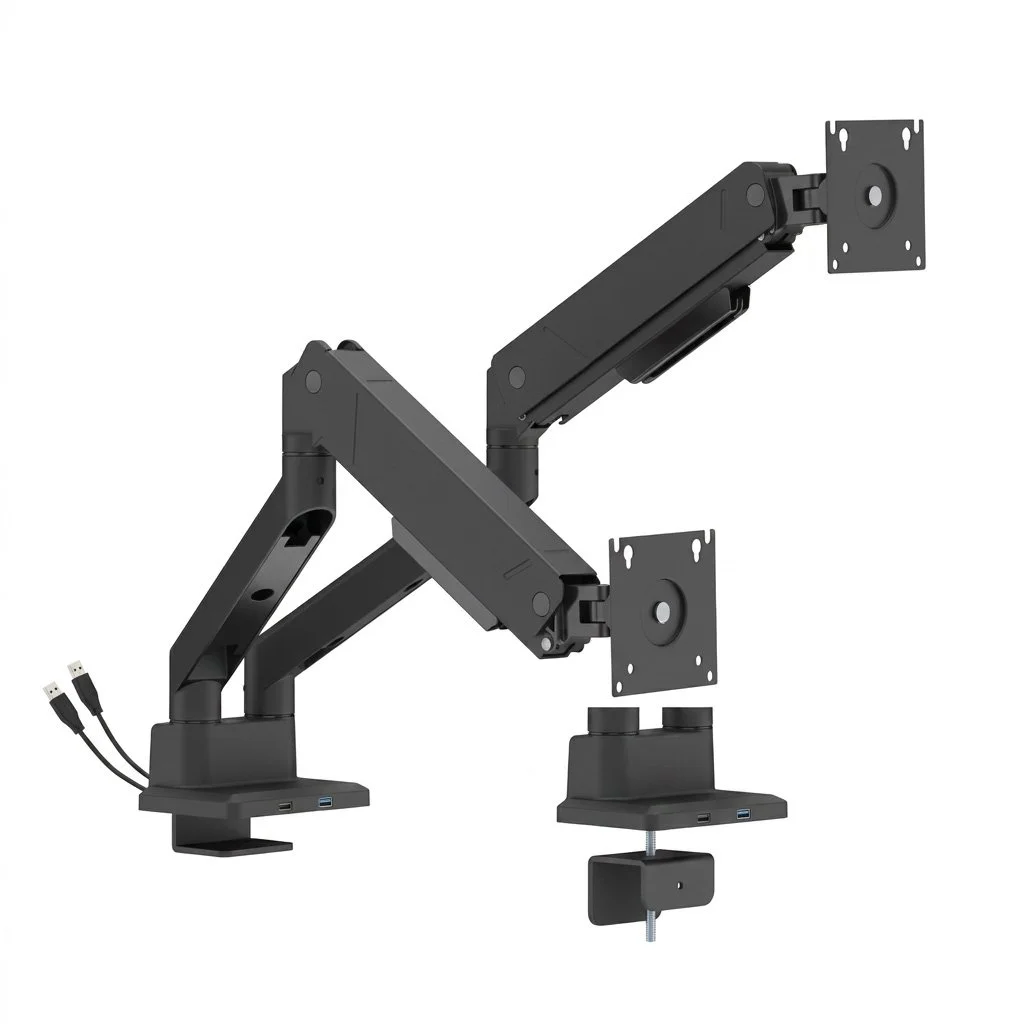
Built for premium dual-screen workstations, this gas spring monitor arm supports two 17”–35” monitors with strong weight capacity, smooth adjustment, and a clean desk-mounted design. Its heavy-duty construction helps support larger displays while giving users the flexibility to position each screen for a more comfortable and efficient workflow. With dual-arm movement, modern styling, and workstation-friendly support, it is a strong choice for offices, design spaces, control rooms, and professional environments that need dependable dual-monitor performance.
Integrated Cable Management
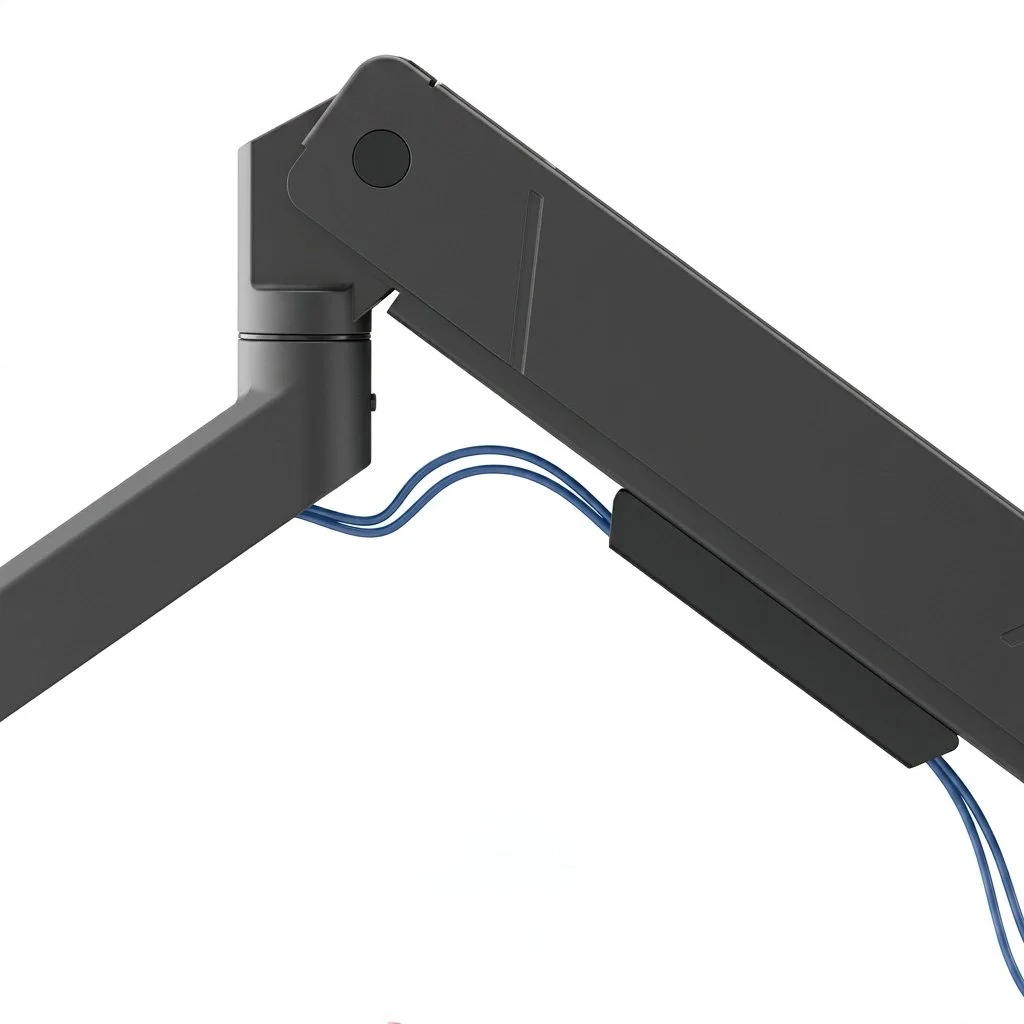
Built-in cable routing helps guide cords through the arm, keeping the workstation organized and reducing visible clutter across the desk. By keeping power, display, and USB cables directed along the monitor arm, users can maintain a cleaner work surface and a more professional setup. This is especially useful for dual-monitor workstations where multiple cables can quickly become distracting or difficult to manage.
Stable Support for Professional Displays
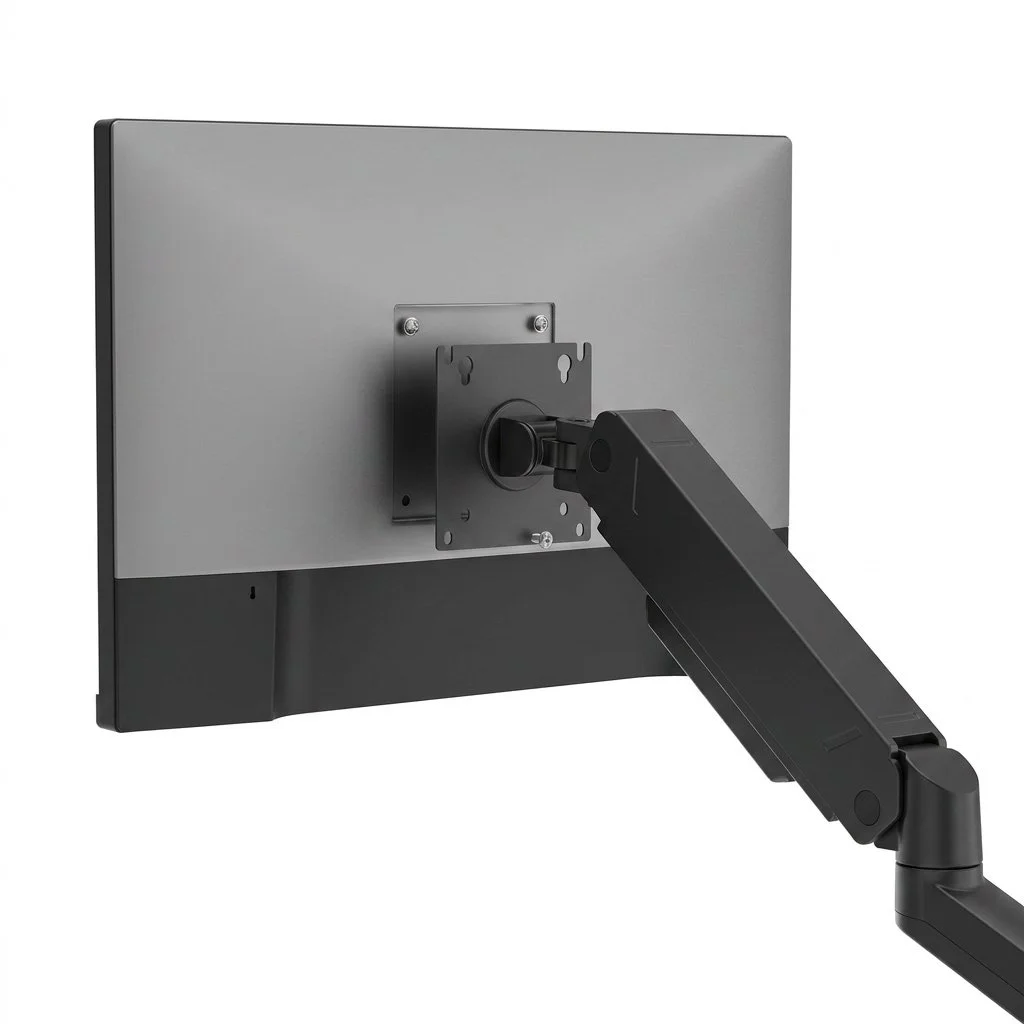
The VESA mount supports 75 × 75 and 100 × 100 mounting patterns, making it compatible with many flat and curved monitors used in professional workstation environments. This standard VESA compatibility allows the arm to work with a wide range of display models commonly found in offices, design spaces, control rooms, and high-performance work areas. It helps provide secure monitor attachment while giving users the flexibility to build a clean, adjustable setup that fits their screen size, workspace layout, and daily workflow needs.
Structured Arm Design

The arm connection system is built for secure assembly and dependable movement, helping support daily screen adjustments in busy work environments. Its structured connection points help the monitor arms move smoothly while maintaining stability, making it easier for users to reposition their screens throughout the day. This design supports a cleaner installation, reliable performance, and a professional workstation setup for offices, control rooms, design spaces, and other demanding work areas.

Built-In Spring Tension Adjustment
The built-in spring tension mechanism helps balance each monitor’s weight, allowing for smoother height movement and more controlled positioning throughout the workday. By adjusting the tension to match the weight of each screen, users can raise, lower, extend, or reposition their monitors with less effort while keeping them stable once set in place. This helps create a more comfortable dual-screen setup for larger displays and supports a cleaner, more professional workstation experience.
Topside Installation for Easier Setup
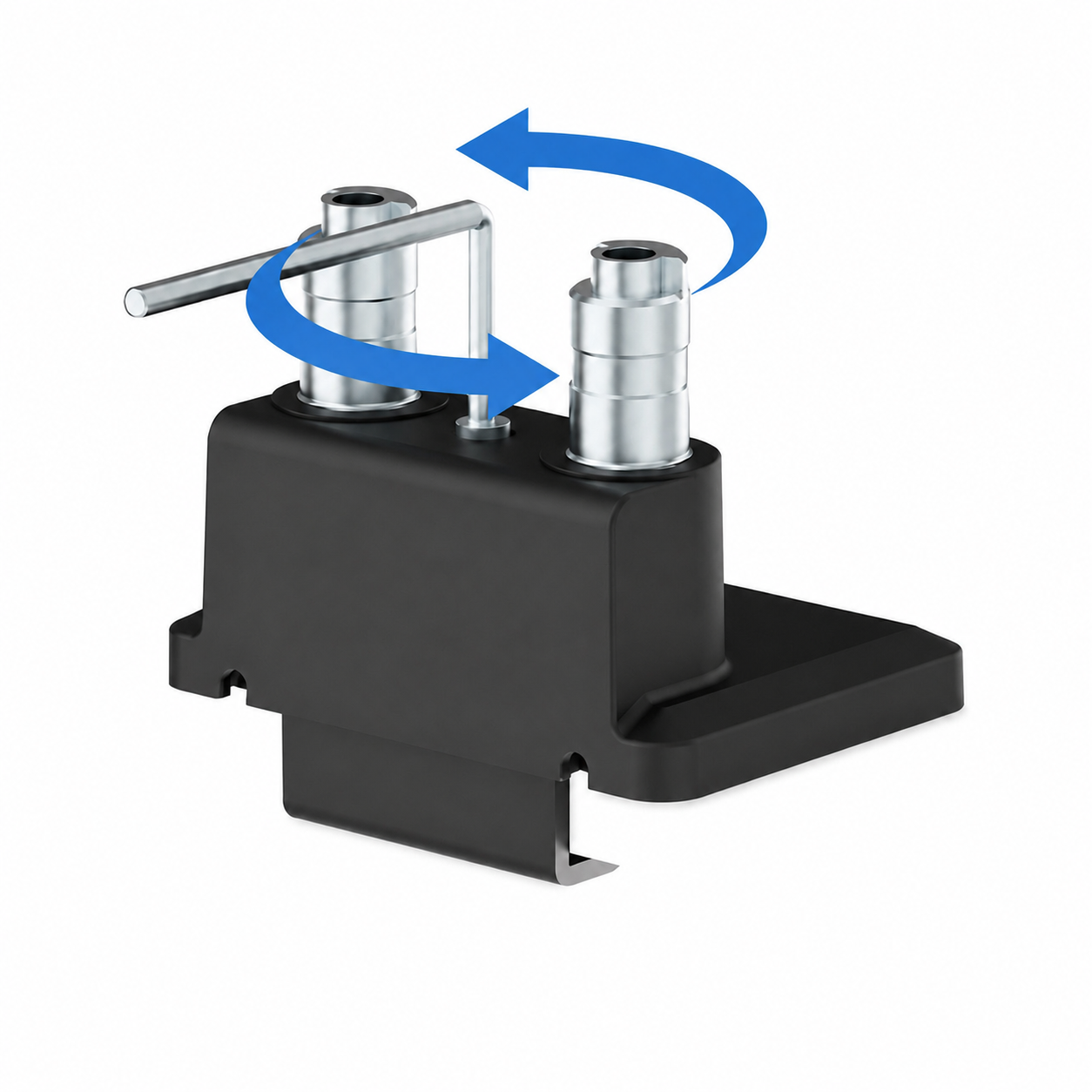
The topside installation design allows the monitor arm to be installed from above the desk surface, helping make the setup process cleaner, faster, and more convenient. This is especially useful for workstations where access underneath the desk is limited, allowing installers to secure the arm without unnecessary reaching or repositioning. It helps create a more efficient installation experience while maintaining a clean, professional desk setup.
Product Specifications
LiftMax Heavy-Duty Dual Monitor Arm with USB-C for 17”–35” Screens
SKU:
TST-MA-HD-DBL-1735UC
Warranty Coverage:
5-Year Limited Mechanical Warranty
2-Year Limited Electrical Warranty on integrated USB-A, USB-C, and electronic components
Specifications:
Product category: Gas spring monitor arm
Screen quantity: 2
Fits most 17”–35” monitors
Curved monitor support: Yes
Weight capacity: 2.2–35.2 lbs / 1–16 kg per screen
Curved screen weight capacity: 2.2–28.6 lbs / 1–13 kg per screen
Material: Steel, aluminum, and plastic
Surface finish: Powder coating
Color: Matte Black
Dimensions: 48.6” × 4.5” × 23.3”
Arm full extension: 22.2”
Tilt range: +90° to -45°
Swivel range: +90° to -90°
Screen rotation: +180° to -180°
Installation: Clamp or grommet
Suggested desktop thickness:
Clamp: 0.39”–2”
Grommet: 0.39”–2”
USB ports:
1 USB-A 3.0 port
1 USB-C port
Cable management: Yes
Quick-release VESA plate: Yes
VESA Compatibility
This monitor arm supports the following VESA mounting patterns:
75 × 75 mm
100 × 100 mm
Dimensions & Adjustment Overview
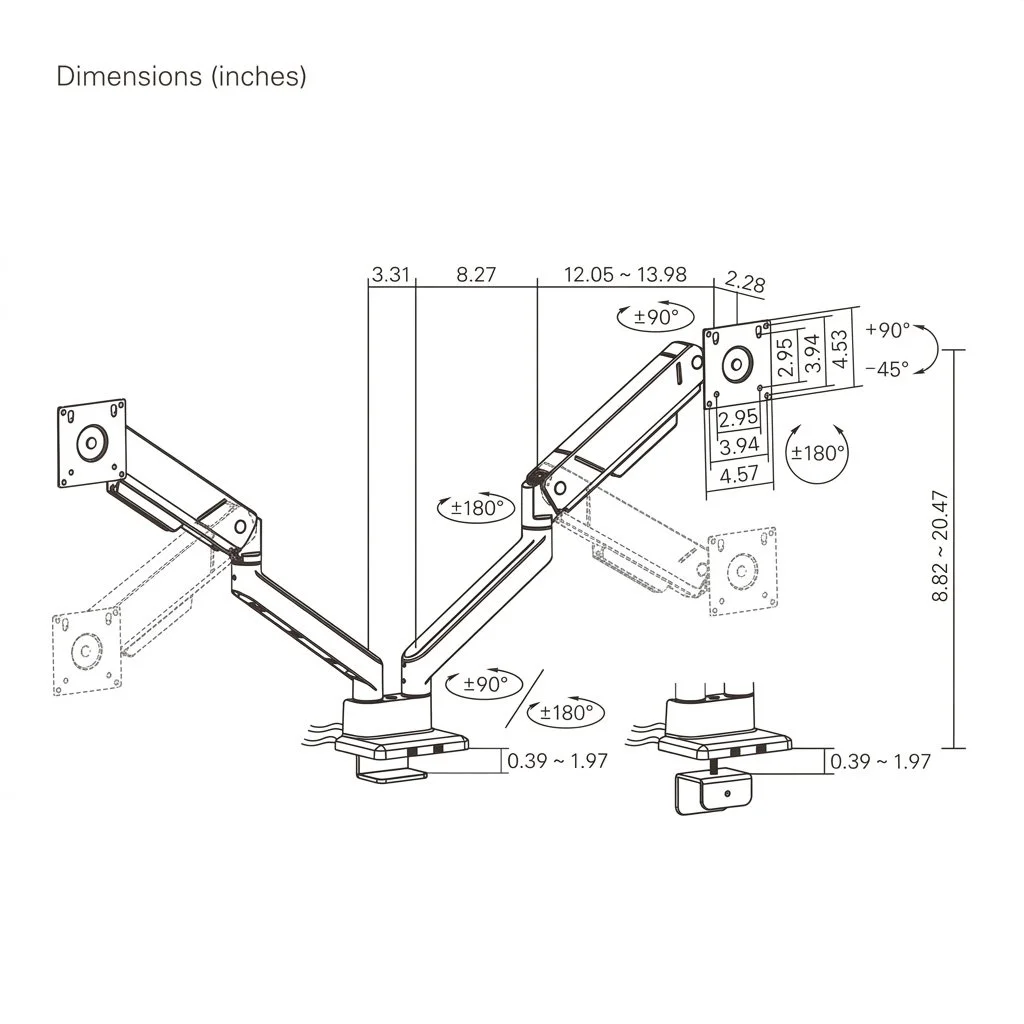
The LiftMax Heavy-Duty Dual Monitor Arm with USB-C for 17”–35” Screens is designed to provide strong dual-monitor support, extended reach, and smooth positioning for professional workstations. Its detailed adjustment layout helps users review the arm extension, height range, mounting clearance, VESA plate size, and movement range before installation.
This section is especially helpful for customers who want to confirm desk compatibility, screen placement, and ergonomic adjustment before choosing the right monitor arm.
Key Measurements
Arm section length: 8.27”
Adjustable arm extension range: 12.05”–13.98”
End section length: 2.28”
Height adjustment range: 8.82”–20.47”
VESA plate width: 4.57”
VESA mounting patterns: 75 × 75 mm and 100 × 100 mm
Tilt range: +90° to -45°
Swivel range: +90° to -90°
Screen rotation: +180° to -180°
Base rotation: +90°
Arm rotation: +180°
Clamp desktop thickness: 0.39”–1.97”
Grommet desktop thickness: 0.39”–1.97”
Designed for Premium Dual-Screen Work Environments
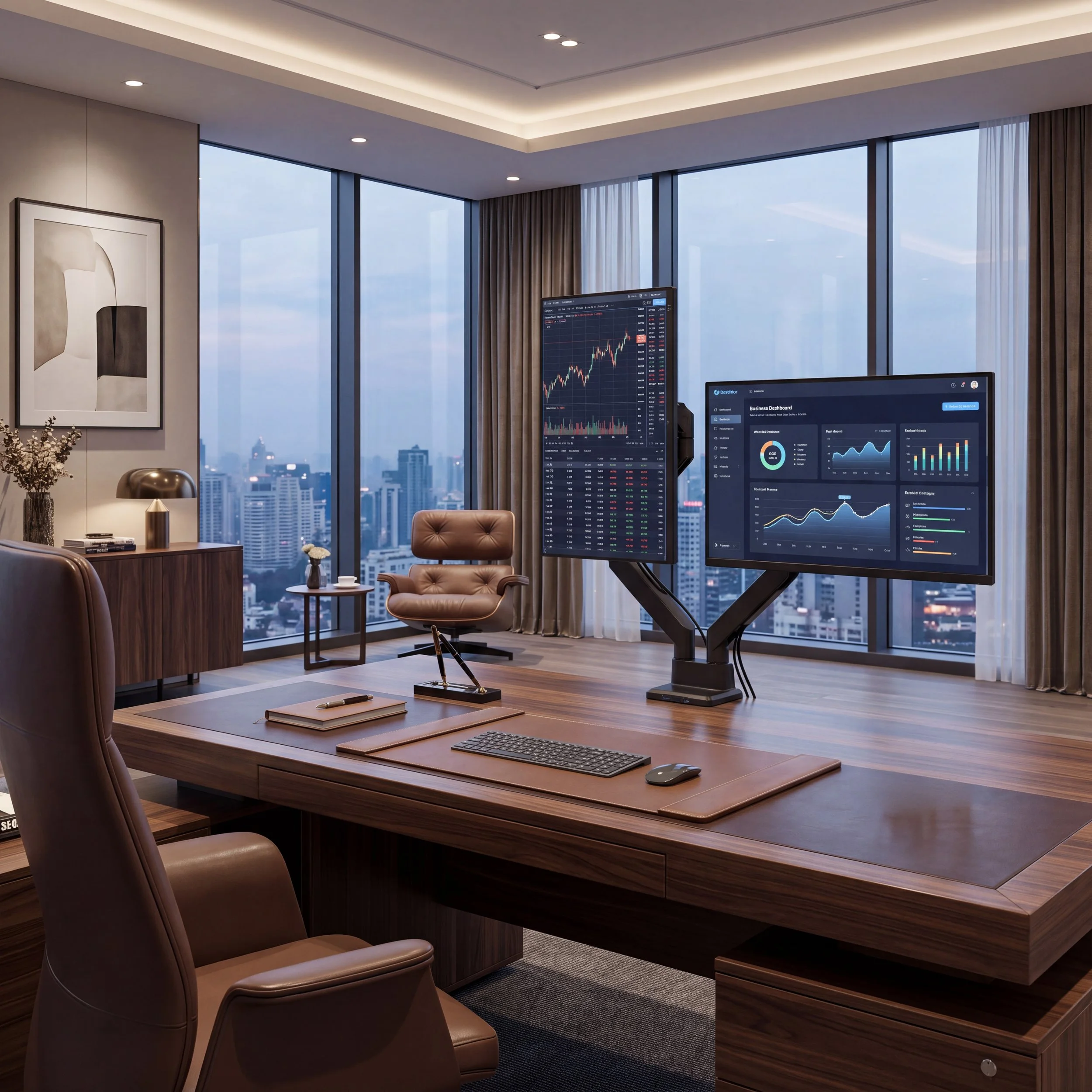
Executive Offices
Creates a refined dual-monitor setup for leadership desks, private offices, and professional workspaces.
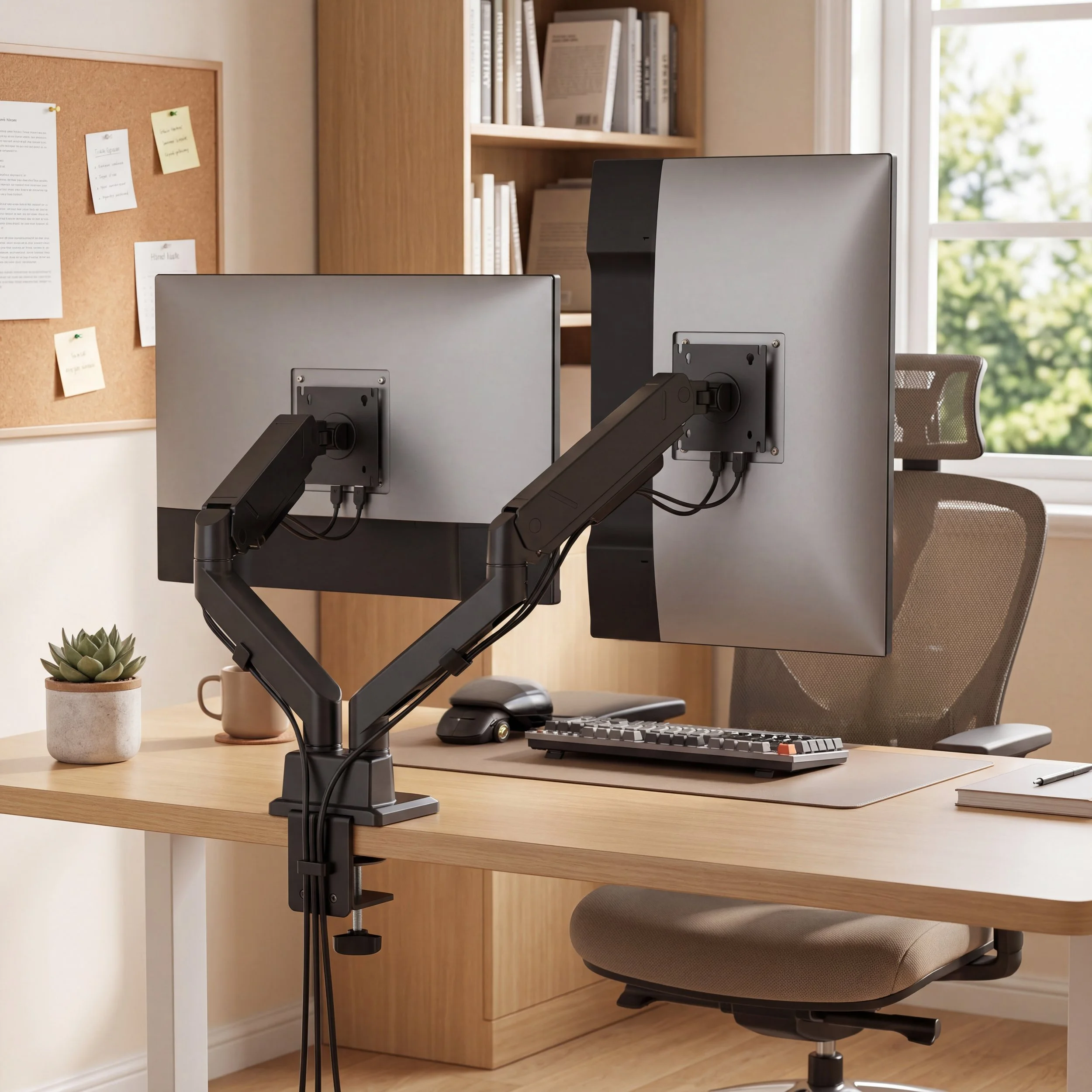
Home Offices
Creates a polished dual-screen setup with stronger monitor support, smoother adjustment, and cleaner cable routing.
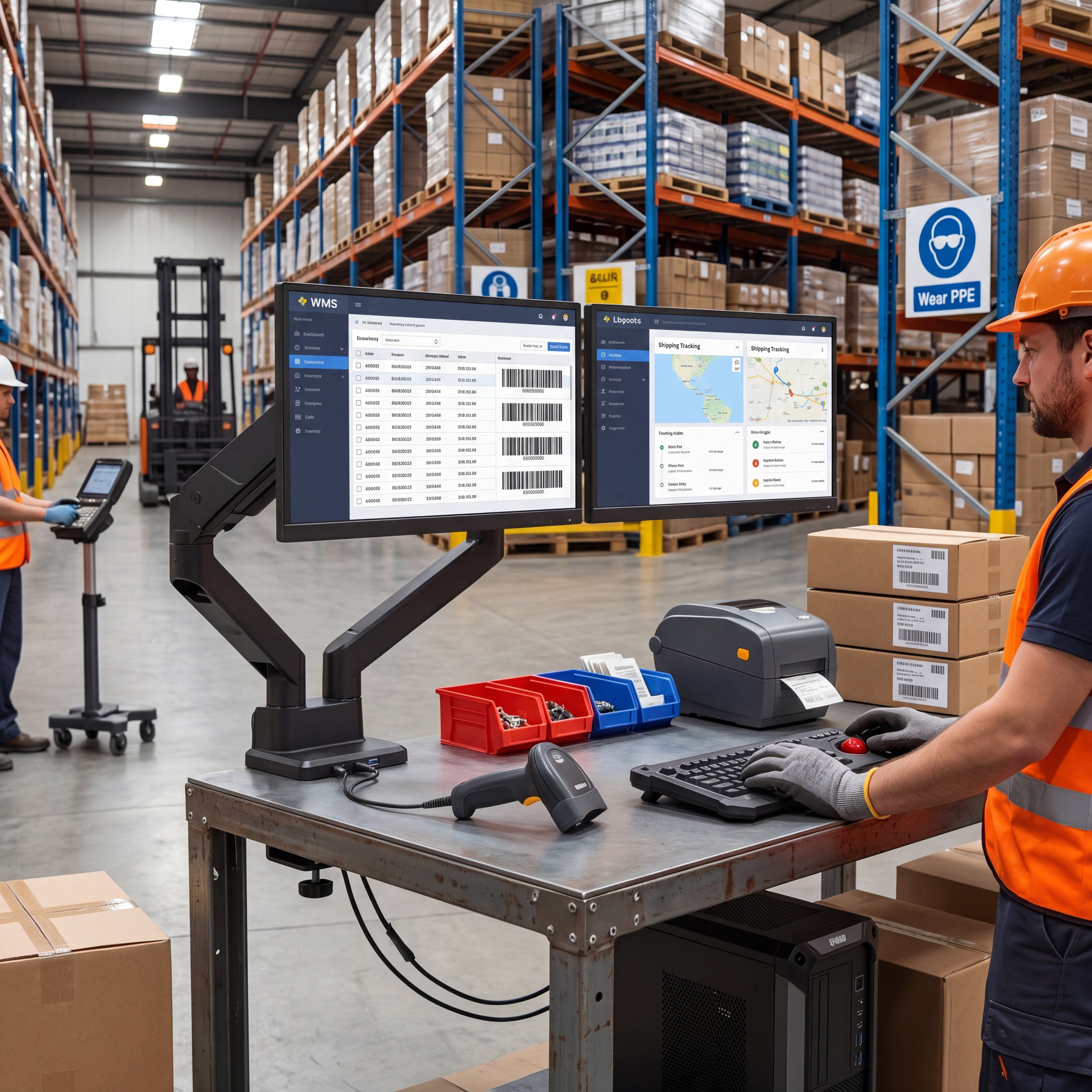
Control Rooms and Operations Areas
Supports dependable screen placement for monitoring tools, workflow systems, communication platforms, and live information.
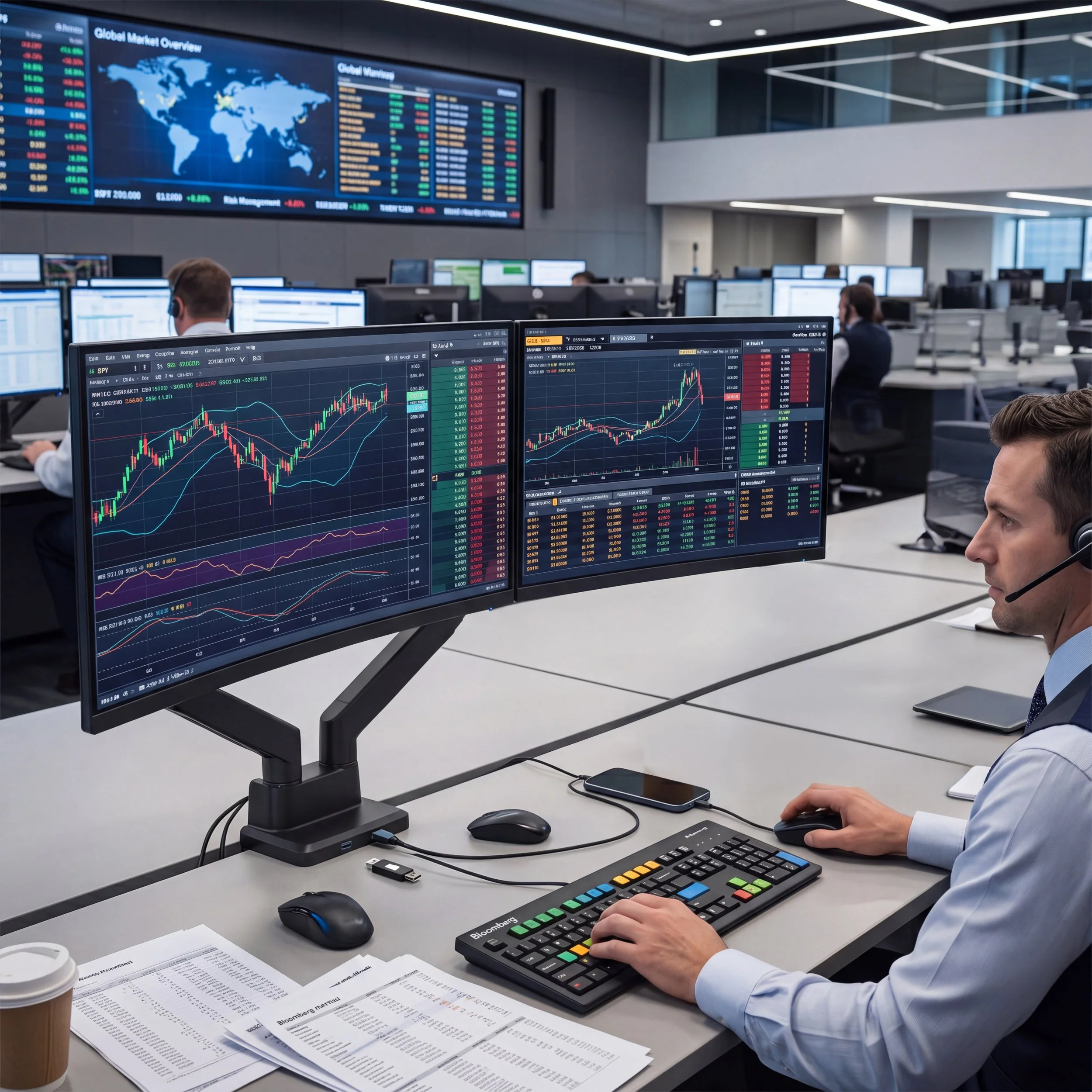
Finance and Trading Desks
Helps users manage charts, reports, market data, spreadsheets, and multiple applications across two displays.
Why Customers Trust Our LiftMax Dual Monitor Arm
The LiftMax Heavy-Duty Dual Monitor Arm is built for users who need stronger support and more flexibility than a basic dual monitor mount. Its heavy-duty capacity, gas spring movement, USB-equipped base, controlled rotation, topside installation, and cable routing help create a cleaner and more capable workstation.
This model is a strong choice for professional environments that use larger monitors, curved displays, and premium desk setups where comfort, organization, and daily reliability matter.
Built for Larger Dual-Screen Setups
Supports two heavier monitors, including many compatible curved displays.
Smooth Independent Adjustment
Gas spring arms help each screen move easily and stay in position.
Modern Workstation Connectivity
USB-A 3.0 and USB-C ports provide convenient access for compatible devices.
Frequently Asked Questions
Have additional questions? Explore our FAQ section or reach out to our team for more information.
-
It supports most 17”–35” monitors.
-
This model supports two monitors.
-
Yes. It supports compatible curved monitors up to 28.6 lbs / 13 kg per screen.
-
Each arm supports standard monitors from 2.2–35.2 lbs / 1–16 kg.
-
Yes. The smart base includes one USB-A 3.0 port and one USB-C port for compatible data-transfer and charging connections.
-
Yes. The gas spring design allows smooth height adjustment for each monitor.
-
Yes. Each screen can rotate from +180° to -180° for portrait or landscape viewing.
-
Yes. Each arm supports individual positioning for tilt, swivel, rotation, and height.
-
The arm supports clamp or grommet installation.
-
Both clamp and grommet installation support desktop thickness from 0.39”–2”.
-
Yes. Built-in cable routing helps keep cords organized along the arms.
-
Yes. Each monitor arm includes a quick-release VESA plate to help simplify monitor installation and removal.
-
It supports 75 × 75 mm and 100 × 100 mm VESA mounting patterns.
-
The monitor arm includes a 5-Year Limited Mechanical Warranty and a 2-Year Limited Electrical Warranty on its integrated USB-A, USB-C, and electronic components, subject to the complete Three Sixteen Technologies warranty terms.
